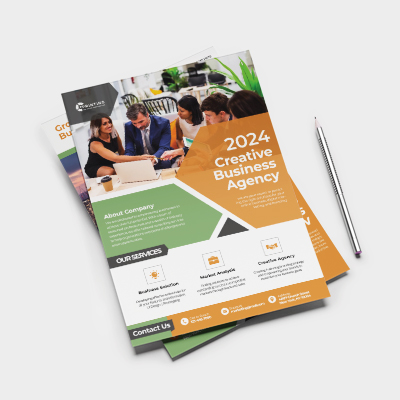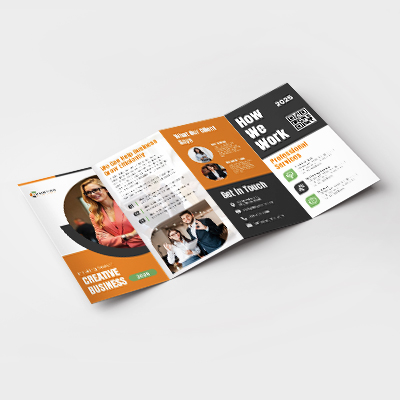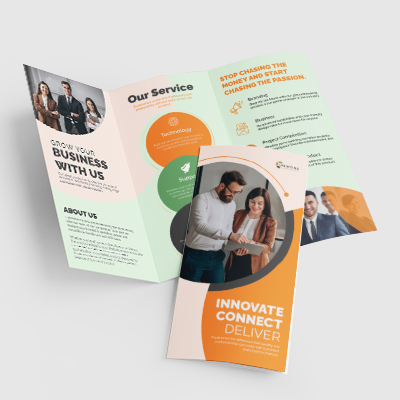
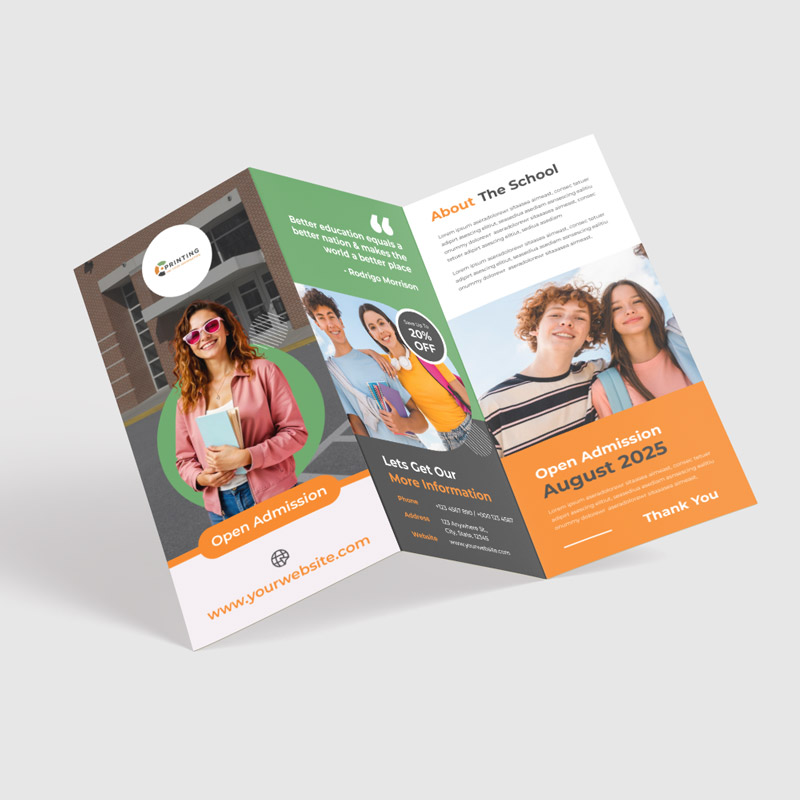
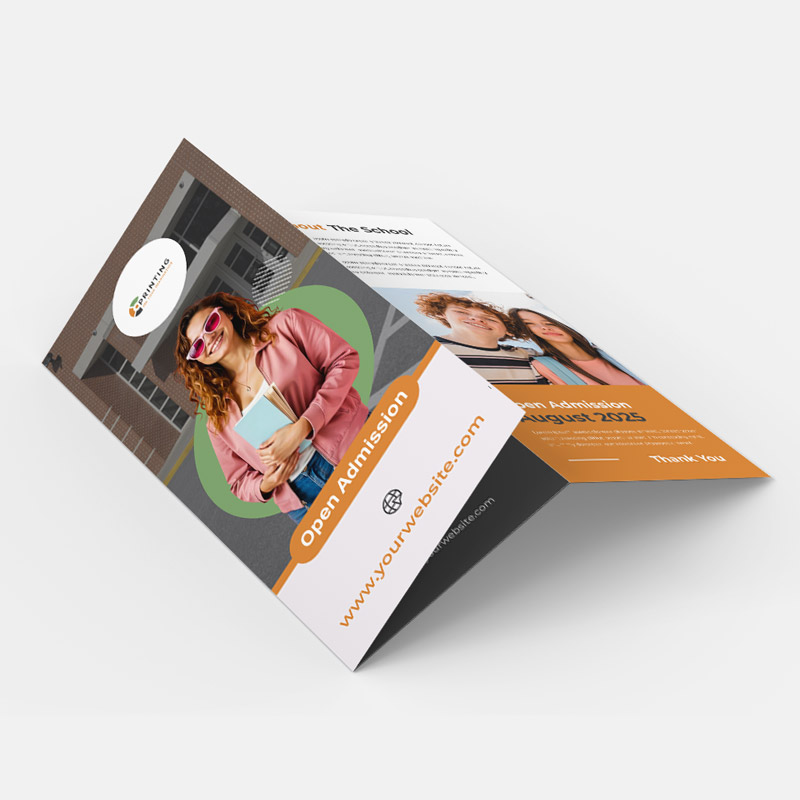
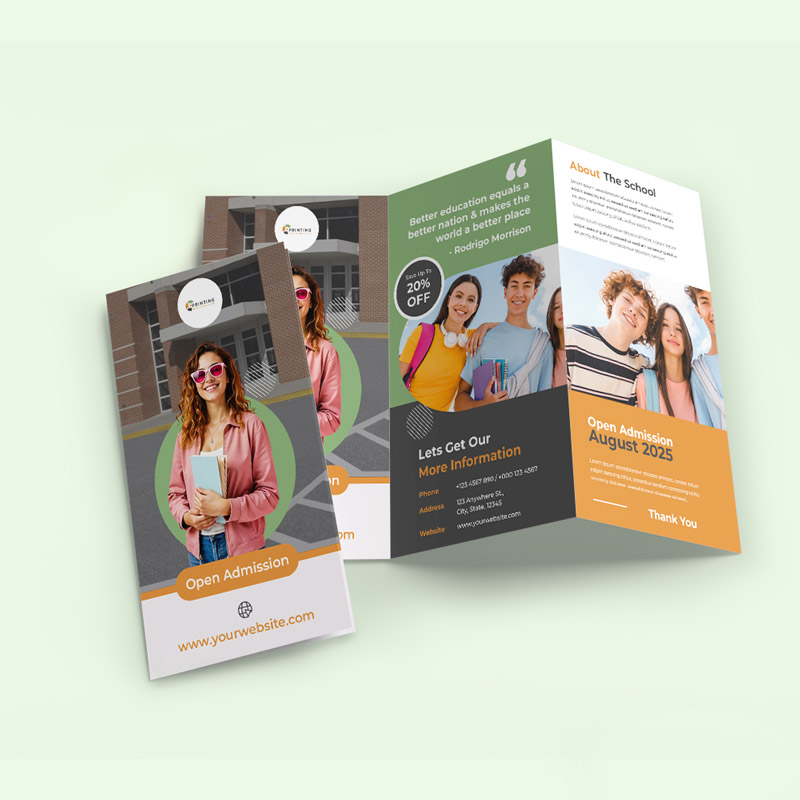
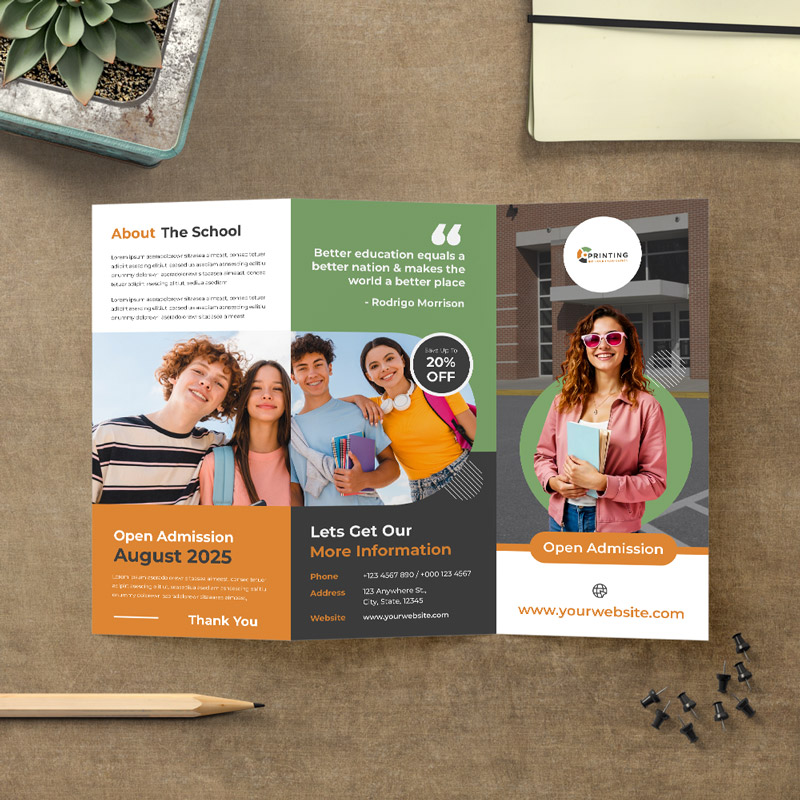
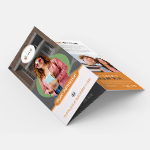
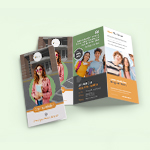
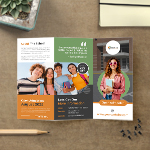
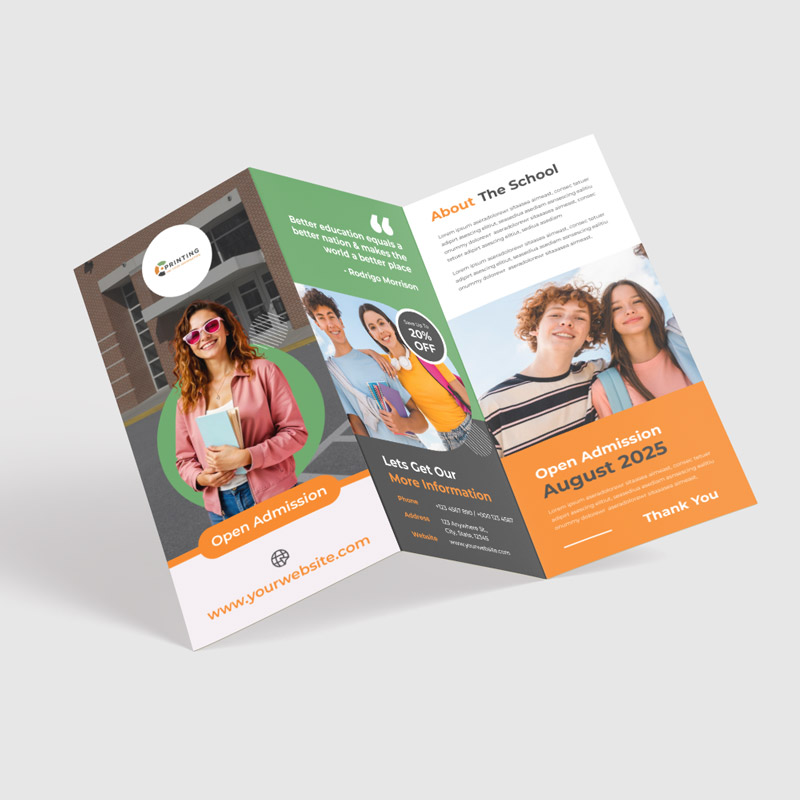
Create an engaging, sequential reading experience with Z-fold brochures. The accordion-style fold opens like a map, making it perfect for timelines, infographics, or step-by-step guides that span across panels.
Paper Stock Options: Choose from 70 lb, 80 lb, 100 lb, or sturdy 10pt cardstock.
Finish:
Matte: Glare-free and sophisticated.
Glossy: High-shine for vibrant colors.
Uncoated: Natural texture, ideal for writing.
Fold Style: "Z" pattern (zig-zag) allows panels to unfold effortlessly in one motion.
Customization: Single or double-sided printing with square or rounded corners.
Packaging: Optional shrink wrapping in bundles of 25, 50, or 250 to protect against dust and moisture during shipping or storage.
Z-Fold Brochures (Brochures & Flyers)
Customize & Estimate
Place your order within
and we will dispatch your order on
Shrink wrapping bundles brochures in heat-sealed plastic film (typically 25, 50, or 100 per pack). It protects against dust, moisture, and scuffing during shipping or storage?ideal for bulk distribution
A Tri-fold folds distinct panels inward (like a letter), whereas a Z-fold folds back-and-forth like an accordion. This makes Z-folds better for designs that span across multiple panels or tell a continuous story
No, unlike tri-folds (where one panel is slightly shorter to tuck inside), Z-fold panels are generally equal in width because they stack on top of each other without nesting.
Yes, Z-folds are designed to be viewed from both sides. One side typically serves as the "cover" and "back," while the reverse side creates a full 3-panel spread when fully opened.
Design Guidelines
To start, select the product size, preview the design guidelines, download the guidelines for reference, and proceed with the customization options.